

Download the Xcode 27 Beta 3
Head over to developer.apple.com, log in with your developer credentials. Then, under Applications, download Xcode beta 3!
When you have the beta downloaded, you have to unxip it (double-click the .xip file), then move it to your Applications folder. Once there, right-click and choose Show Package Contents.
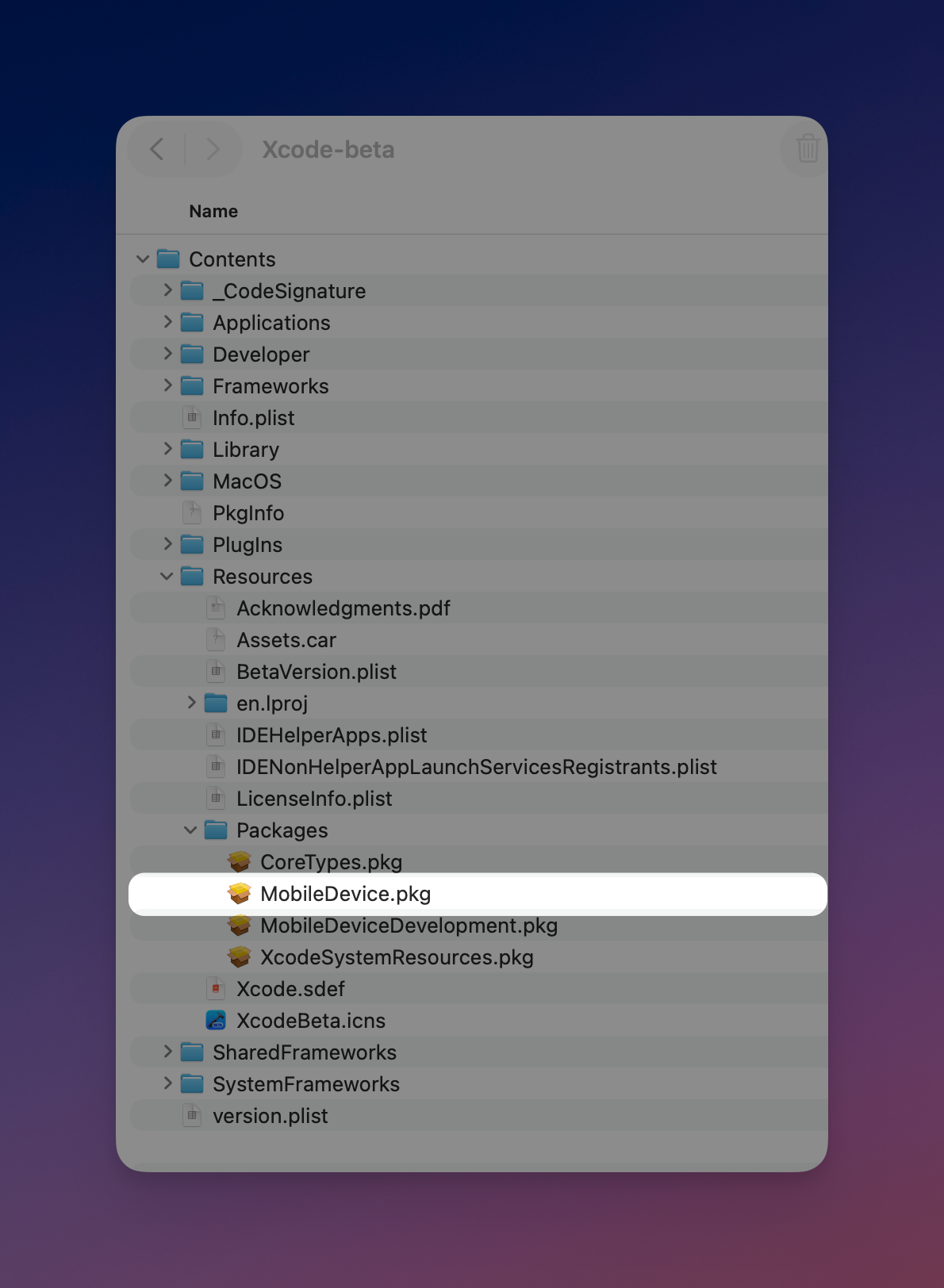
Inside the Contents folder there’s a folder called Resources, and inside that, a folder called Packages. In there you’ll find a package called MobileDevice.pkg. Installing that package updates the Apple Virtualization Framework on your macOS 26 host, letting you install macOS 27 IPSW betas.
You can download this package without downloading the entire Xcode beta, remember you still ned to log in with a developer account to download it.
Using tart
Command to create from IPSW is:
tart create --from-ipsw="/pathtoipsw/UniversalMac_27.0_26A5378j_Restore.ipsw macos27
It starts and Installing OS...100%
We now have a base image.
tart clone macos27 macos27test
Clone off our base image.
tart set --random-mac --random-serial macos27test
unique mac address and serial number
tart run macos27test
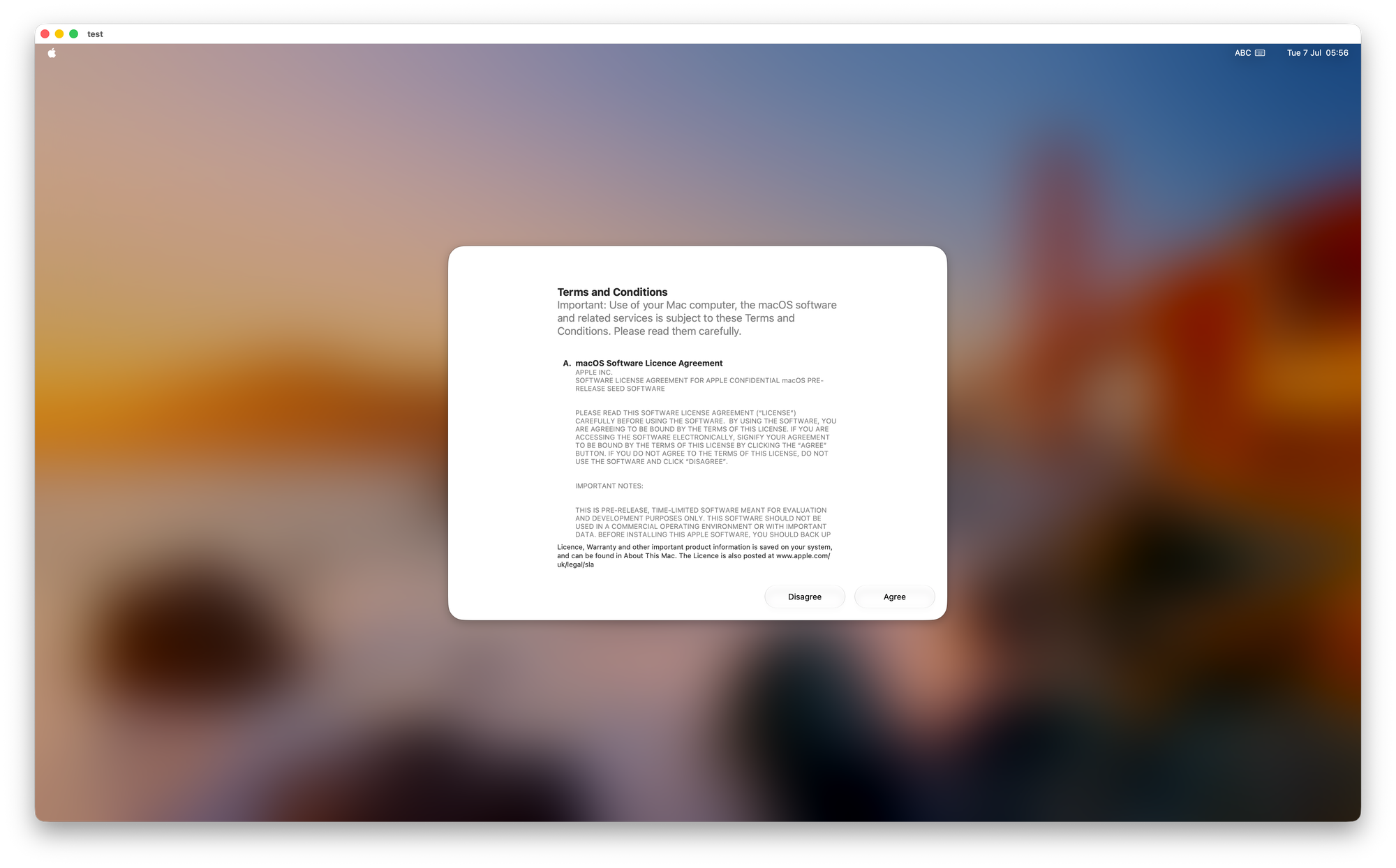
Have fun testing!
Once I have some more time, I’ll see if I can get some Packer builds working!